Aivex
An AI-powered browser-based development platform. Create, collaborate and interact with projects directly in the browser — no local setup — with real-time collaboration, in-browser execution and an integrated AI assistant.
Overview
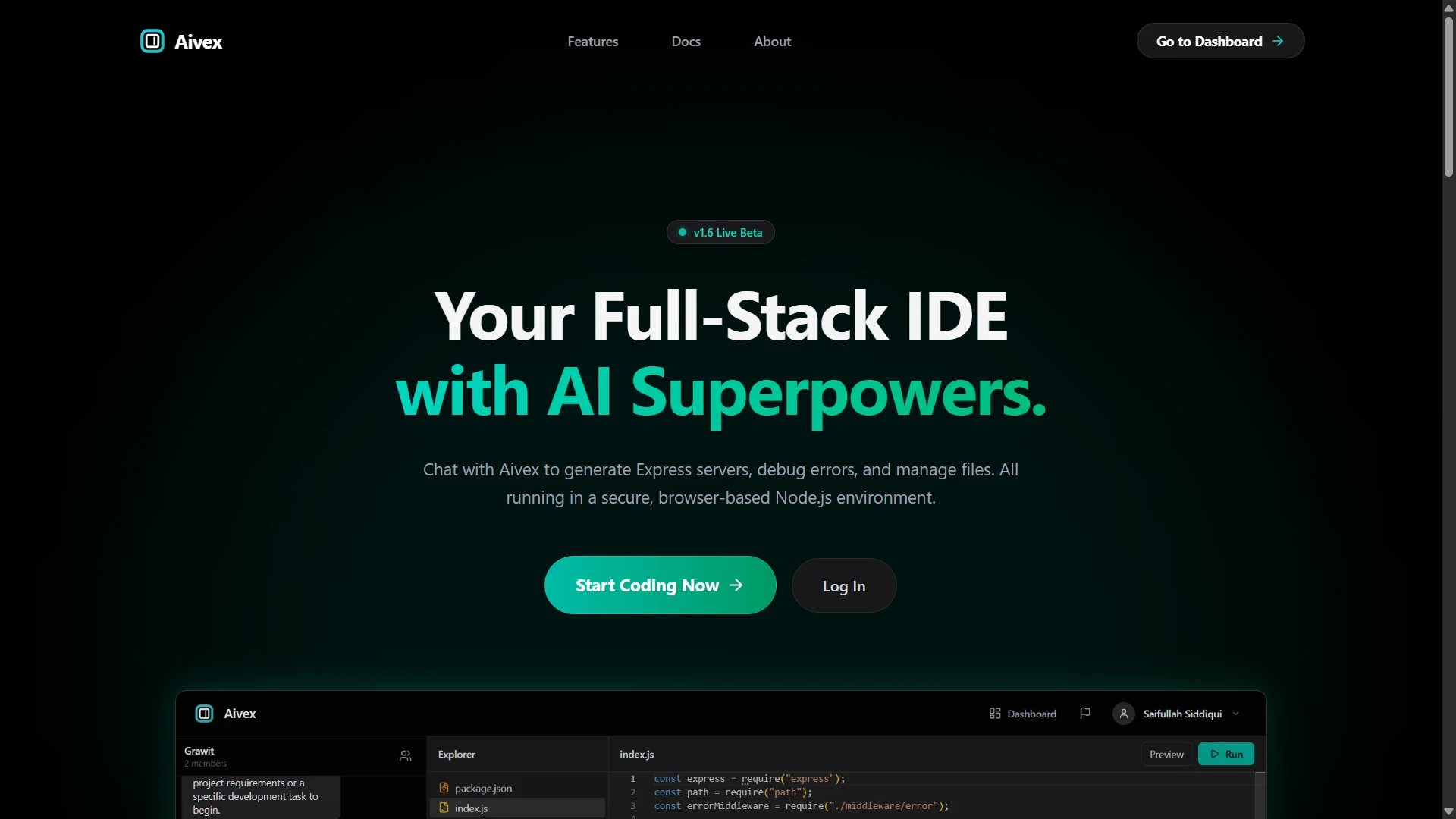
Aivex is a full-stack, AI-powered, browser-based development platform. It combines project creation, collaboration and real-time code interaction into a single browser tab, so a developer can go from idea to running code without installing or configuring anything locally.
It is built on a MERN architecture. A React client talks to a Node.js/Express API and a MongoDB data layer; Socket.io carries real-time events; Redis backs authentication and fast lookups; WebContainers run code inside the browser; and Google Gemini powers an in-context AI assistant.
Problem & Goal
Starting a project usually means installing a toolchain, configuring an environment and switching between an editor, a terminal and a browser. Collaboration adds another layer: sharing state, syncing files and communicating while working.
The goal of Aivex was to collapse that workflow. One place to create a project, invite people, talk, write code, run it, and ask an AI assistant for help — with the project state persisted so it is there when you come back.
Architecture
- Frontend: React (Vite) single-page client with a virtual file explorer, editor surface, chat panel and a preview overlay for running apps. Tailwind CSS for styling.
- Backend: Node.js and Express REST API for authentication, project and workspace management, and the AI controller. Socket.io runs alongside the HTTP server for real-time events.
- Data: MongoDB (via Mongoose) stores users, projects and the persistent file tree. Redis stores fast-changing auth state, including a JWT blacklist.
- Execution: WebContainers boot a Node.js environment inside the browser, so
npm installand dev servers run client-side rather than on a backend sandbox. - AI: a dedicated backend controller builds context from the conversation and project, calls the Google Gemini API, and parses the response into clean code blocks the editor can use.
Key Engineering Decisions
- Run code in the browser, not on the server. WebContainers remove the cost and latency of per-user backend sandboxes and keep execution isolated to the client. The trade-off is strict cross-origin isolation (COOP/COEP headers) and synchronising the React file state with the container's file system.
- Rooms per project. Socket.io rooms scope every message, file update and presence event to a single project so data never leaks across workspaces and broadcasts stay small.
- Redis-backed token invalidation. JWTs are stateless by design, which makes logout and revocation hard. A Redis blacklist lets a token be invalidated immediately without a database round-trip on every request.
- Recursive file-tree model. The project file structure is stored and rebuilt with a recursive tree algorithm, which keeps create/read/update/delete operations and the UI explorer consistent.
Authentication & Security
Users authenticate against the Express API and receive a JWT. Protected routes run through middleware that verifies the token and checks it against a Redis blacklist, so a signed-out or revoked token is rejected straight away. Because execution happens in WebContainers, running untrusted project code does not touch the server environment.
Real-Time & Caching
Socket.io namespaces and rooms keep every project's traffic separate. The backend tracks active users and projects and broadcasts chat messages, file updates and presence only to the right room. Redis handles fast, frequently-read state so real-time interactions stay responsive as a project grows.
AI Integration
The AI assistant is invoked from chat with an @ai mention. The backend controller assembles the relevant context, sends it to Google Gemini, and runs the response through a parser (regular expressions and string handling) that extracts formatted code blocks. Those blocks come back as structured output the editor and file system can act on, rather than as loose text.
Challenges
The hardest part was making WebContainers behave like a real environment: cross-origin isolation, continuous read/write streams to emulate a terminal, and keeping the browser's file system in sync with React state without expensive re-renders.
Real-time state was the second challenge. With people editing, chatting and triggering AI requests at once, avoiding race conditions meant leaning hard on Socket.io rooms and being deliberate about which events are broadcast where.
Finally, language models return unstructured text. Getting reliable, editor-ready code out of Gemini took iterating on the system prompt and building a robust backend parser.
Technology Stack
What I Learned / Would Improve
Aivex was a lesson in system architecture under real concurrency: scoping real-time events, choosing where state should live, and treating an external AI as an unreliable component to be parsed and validated rather than trusted. Next steps I would prioritise are collaborative cursor/editing (operational transforms or CRDTs), broader test coverage around the socket layer, and hardening the AI parser against malformed responses.